 StaffScore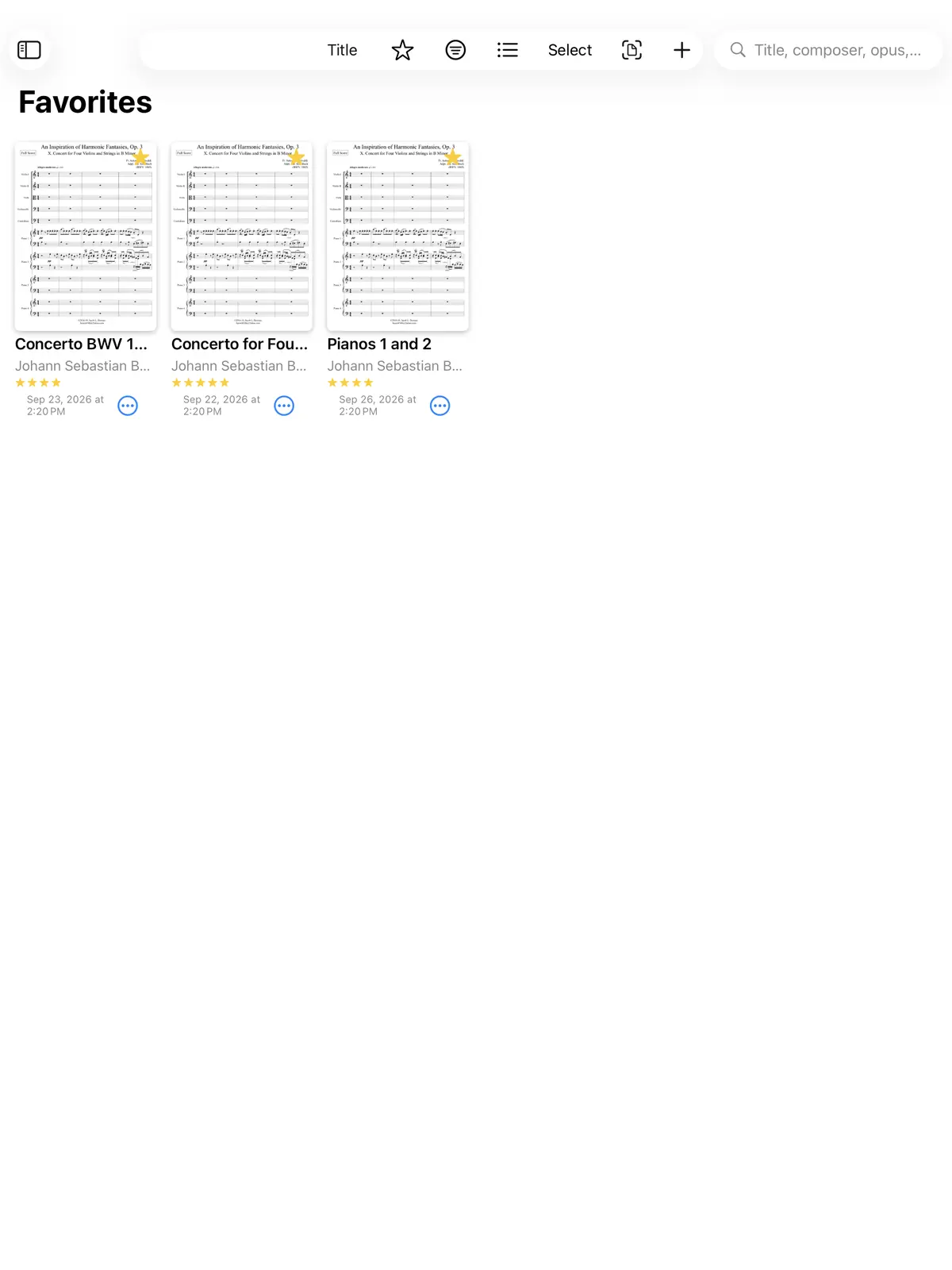
Metronome
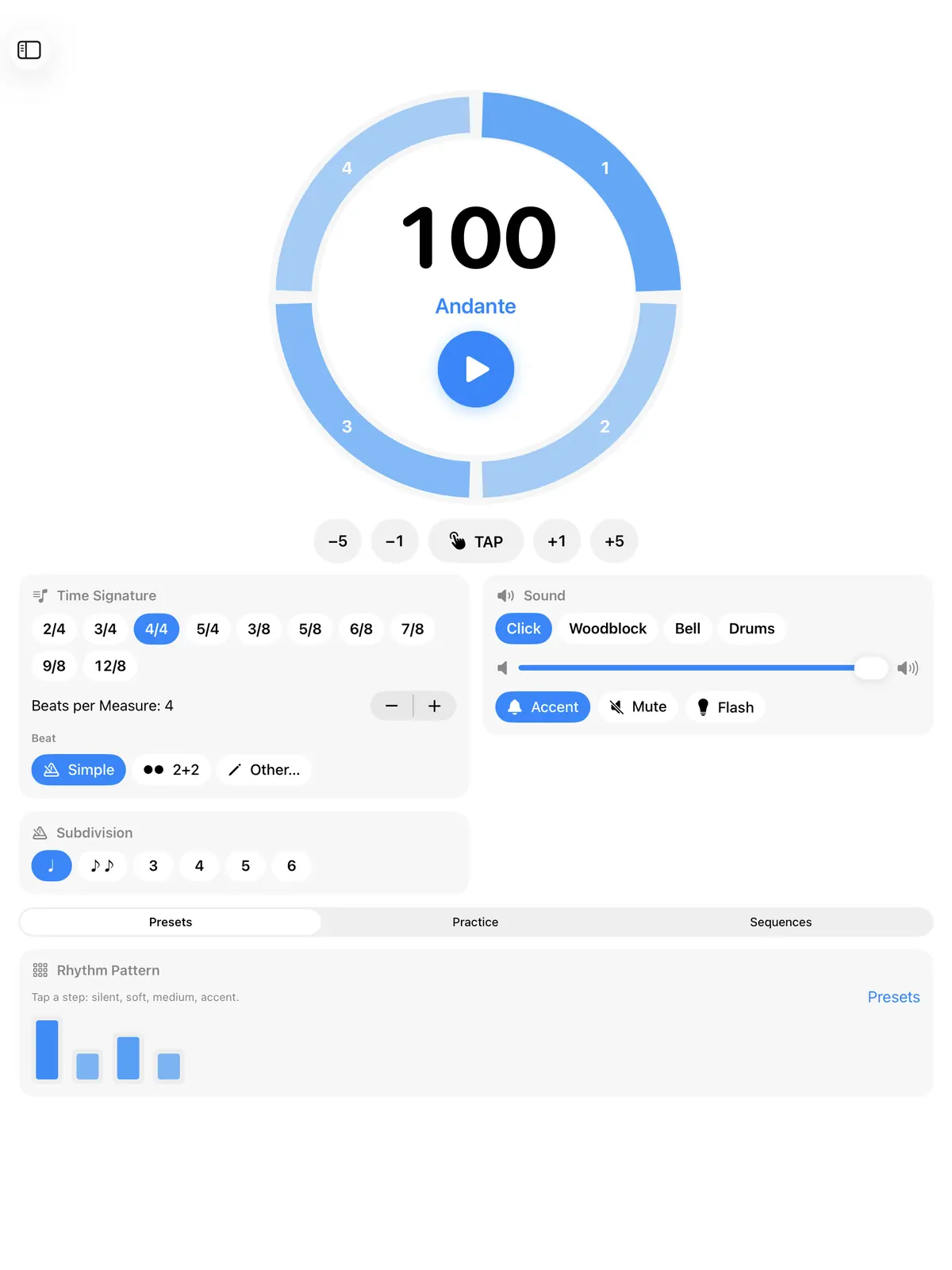
A ring with one segment per beat. Set accents with a tap, use tap tempo, and build sequences, even from MIDI files.
StaffScore brings your sheet music, annotations and practice tools together in one app for iPad and Mac.
Everything a musician needs, in one app
Import PDFs, entire folders and audio files, including from iCloud, OneDrive and kDrive. StaffScore recognizes the title, composer and instrumentation as you import.
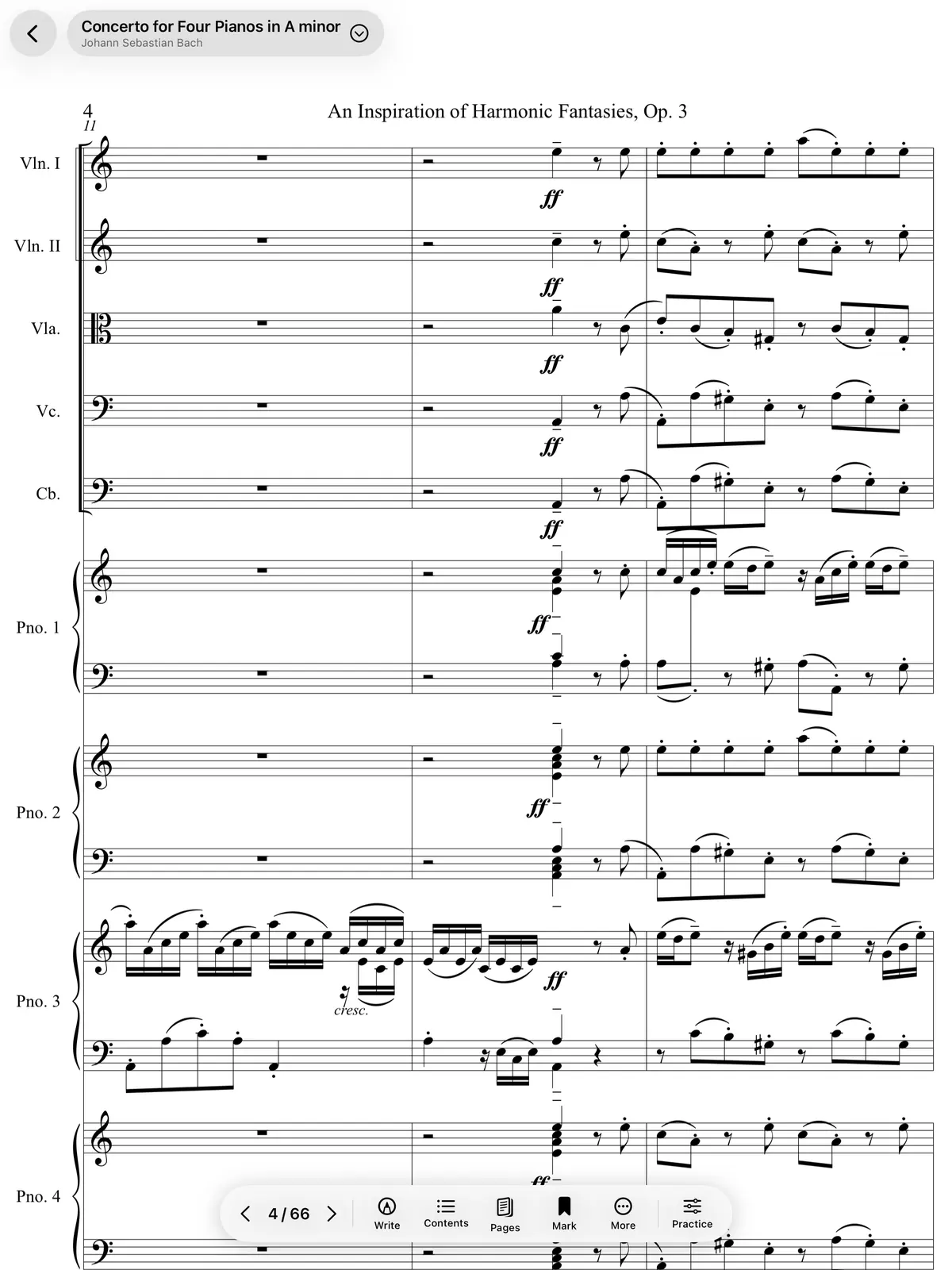
Pages are ready the moment you open a score: they turn instantly, without flicker, and white margins are cropped automatically.
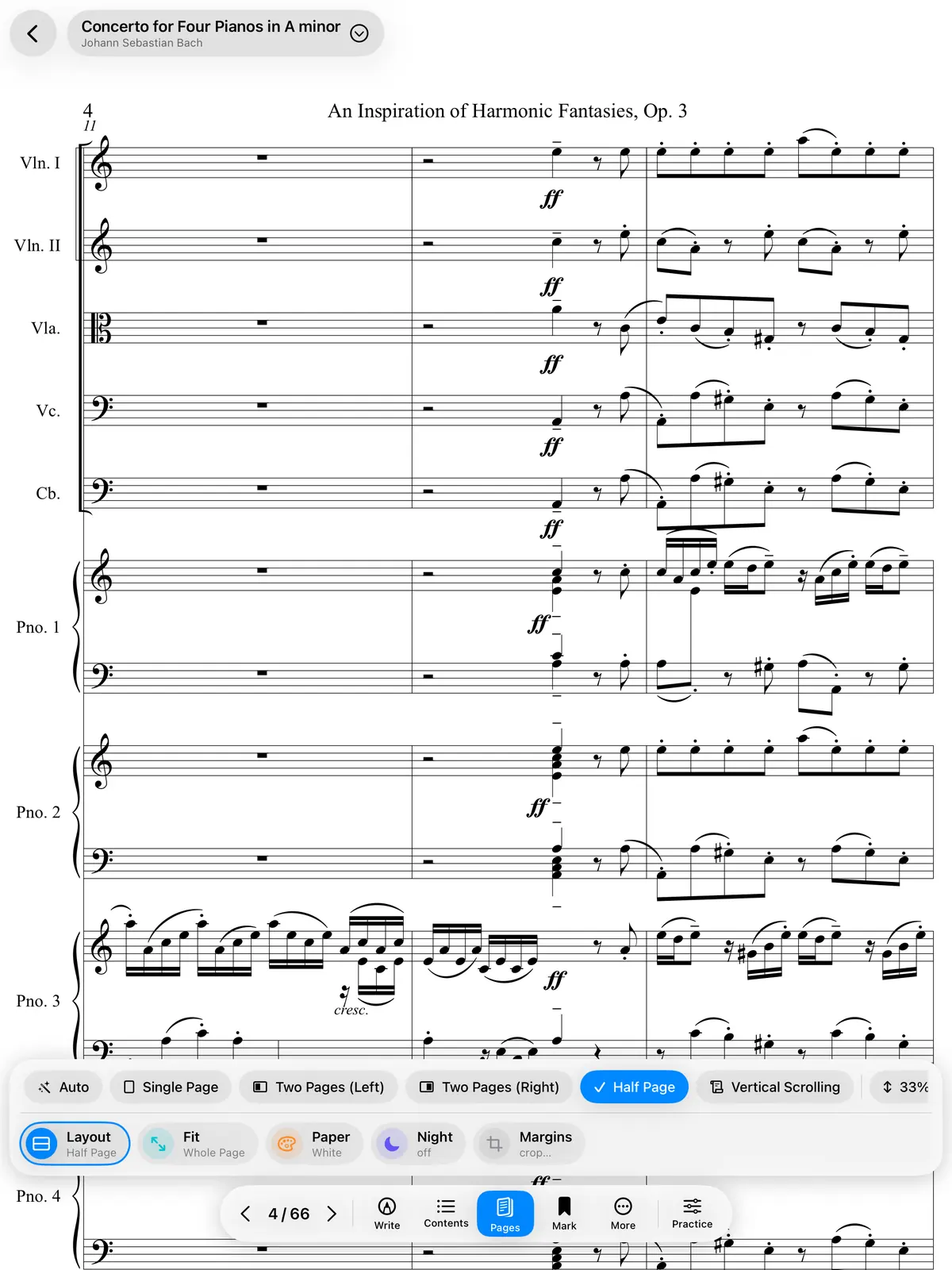
Tap the edge to turn the page, or the center to show the toolbars. The page fills the whole screen.
The top half already shows the next page while you finish reading the bottom half, so you're never left without music.
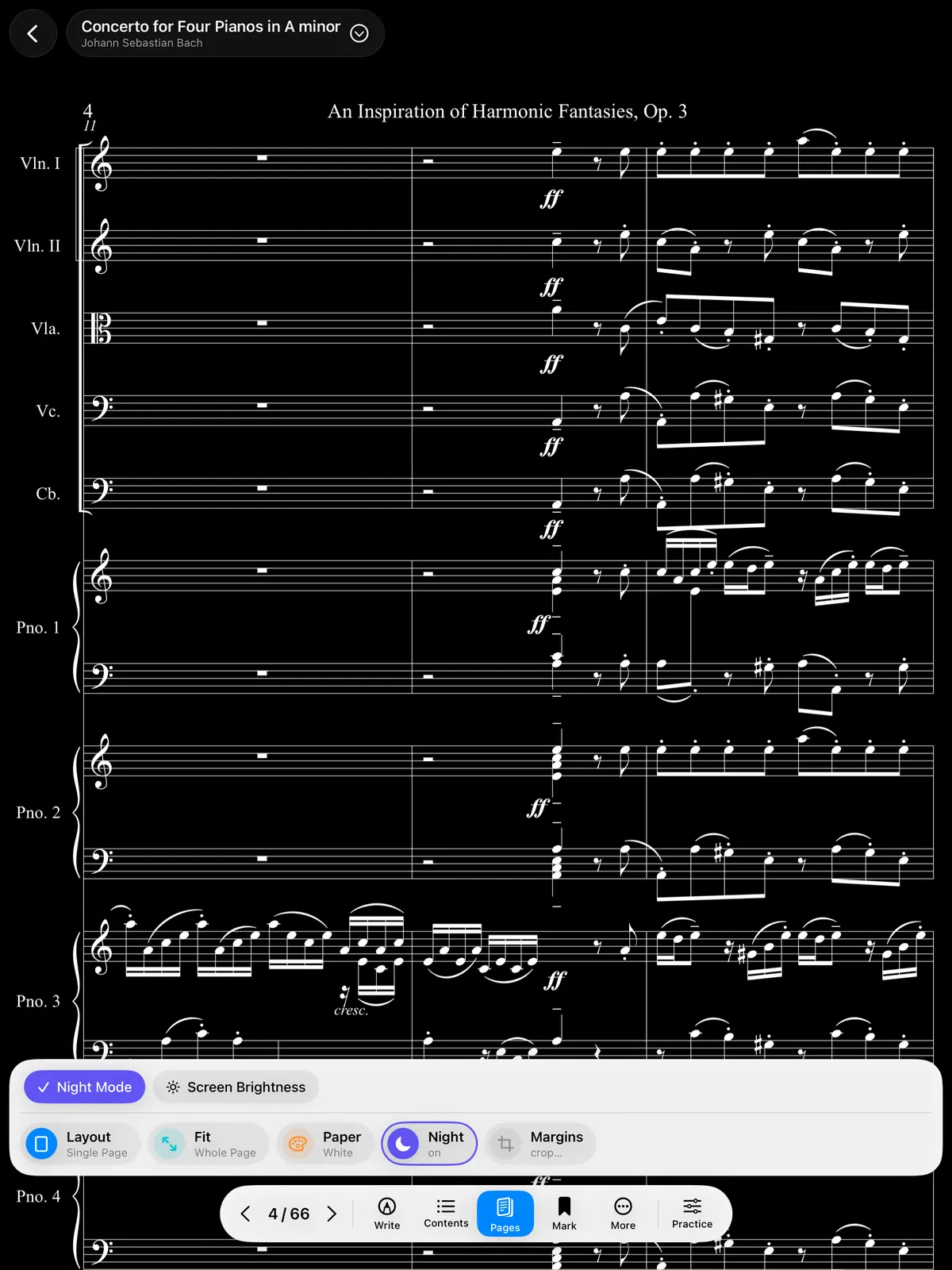
Colors are inverted for reading in the dark, in the orchestra pit or on a dimly lit stage.
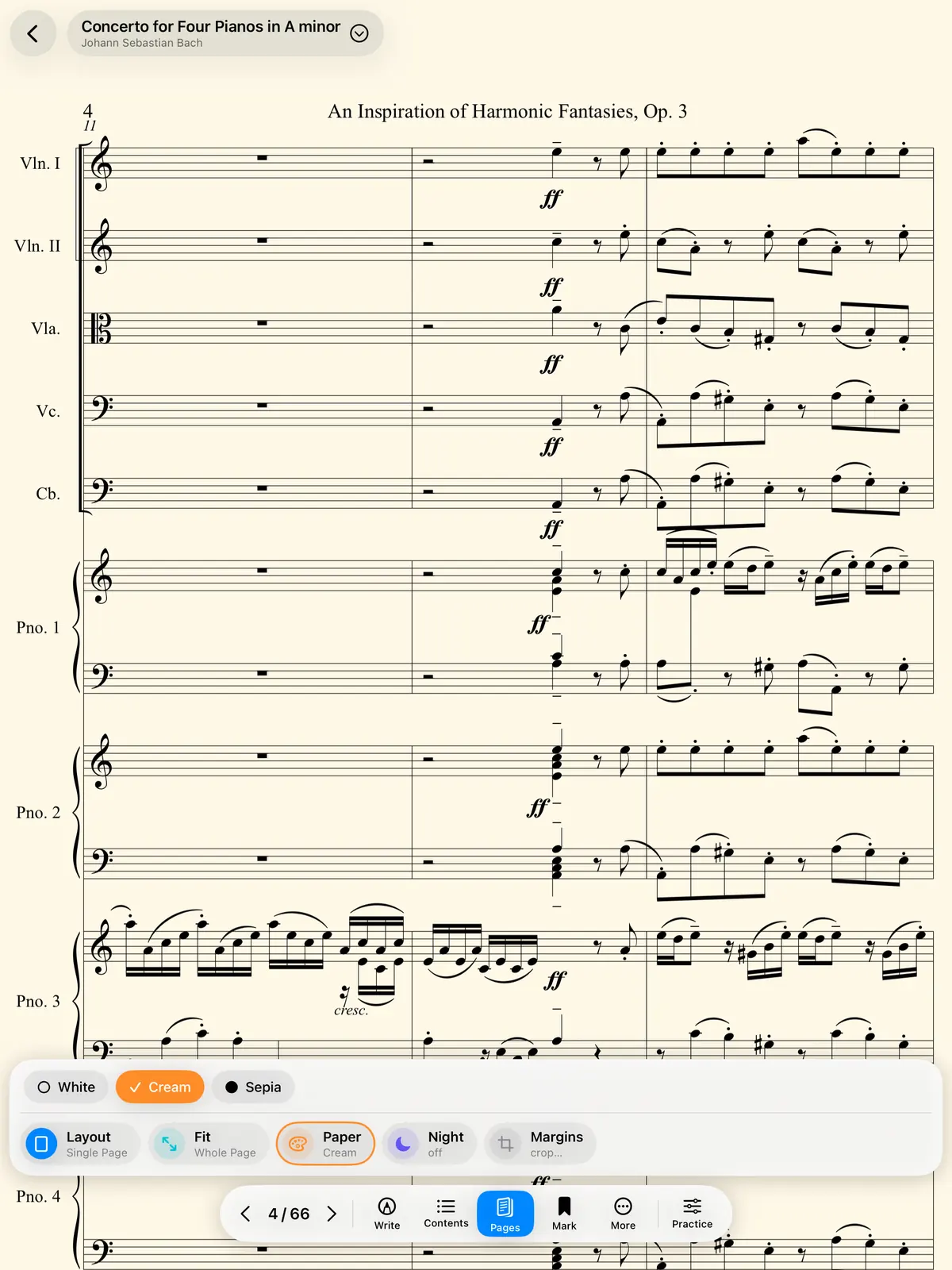
A warm background that's easier on the eyes during long sessions. There's a Sepia option too.
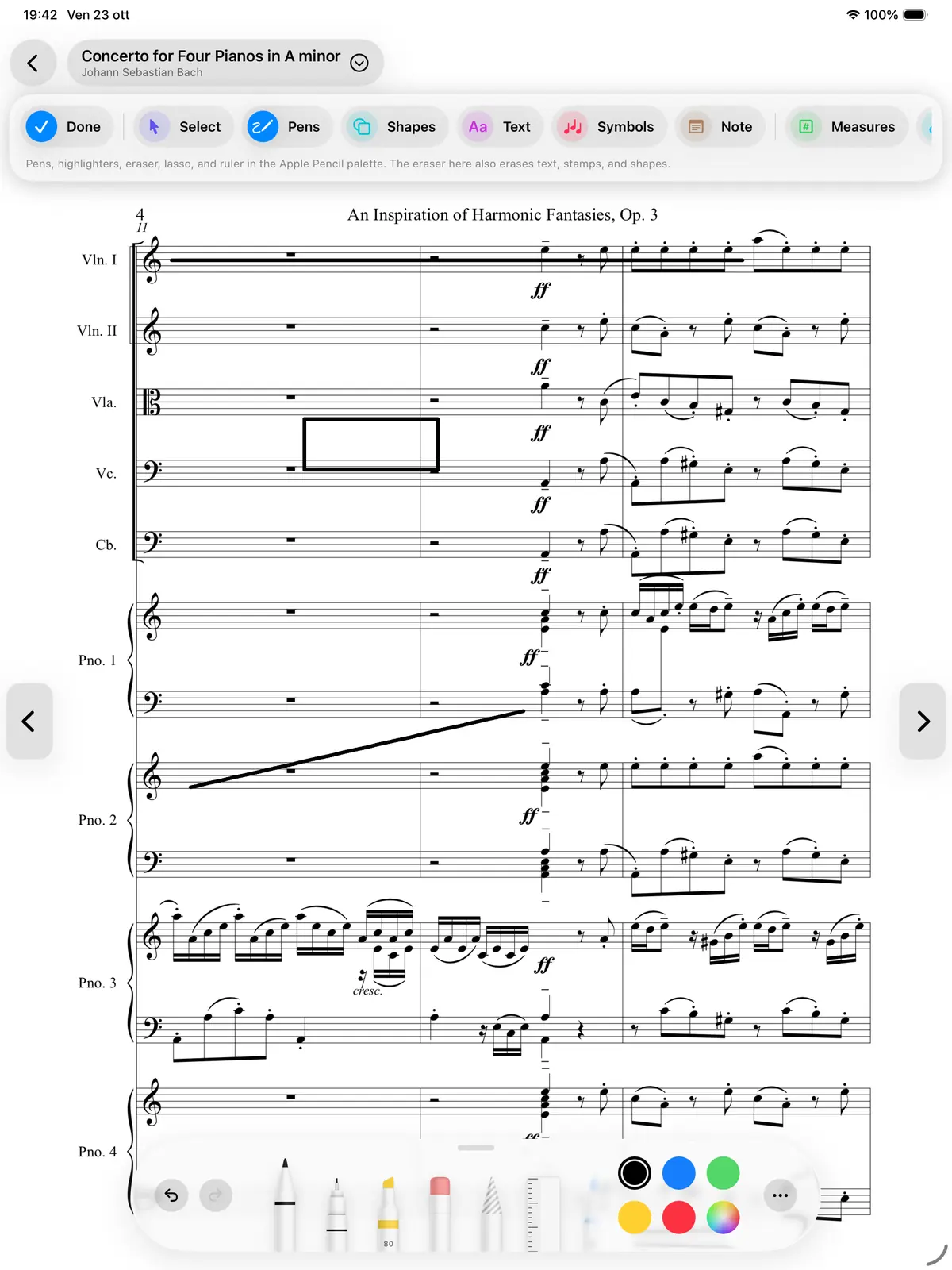
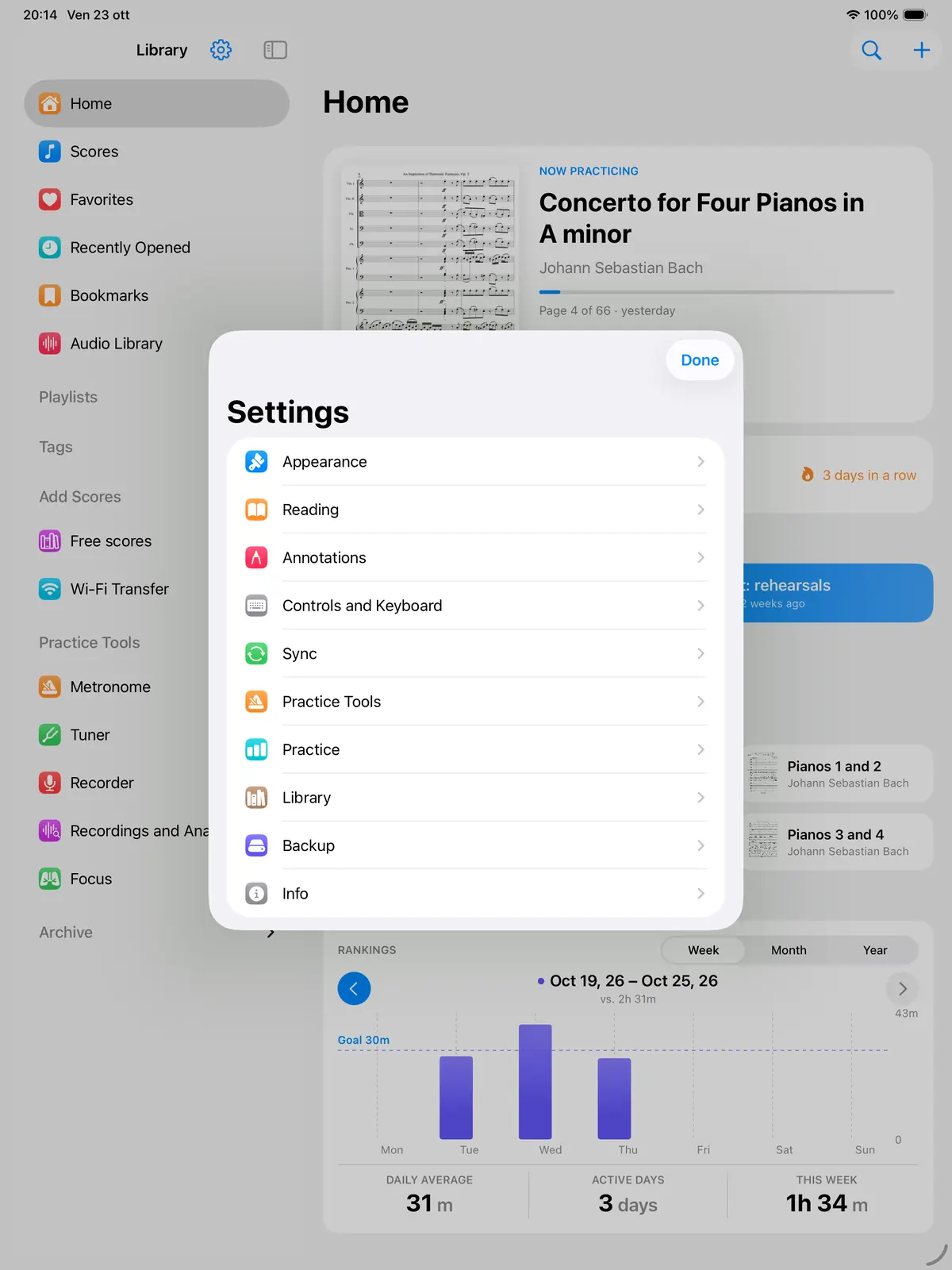
Pen, pencil, highlighter, shapes, text and music symbols. Markings are vector-based, sharp at any zoom level, and saved automatically.
Metronome, tuner, recorder, piano and audio player open right on top of the score. No switching apps.
A ring with one segment per beat. Set accents with a tap, use tap tempo, and build sequences, even from MIDI files.
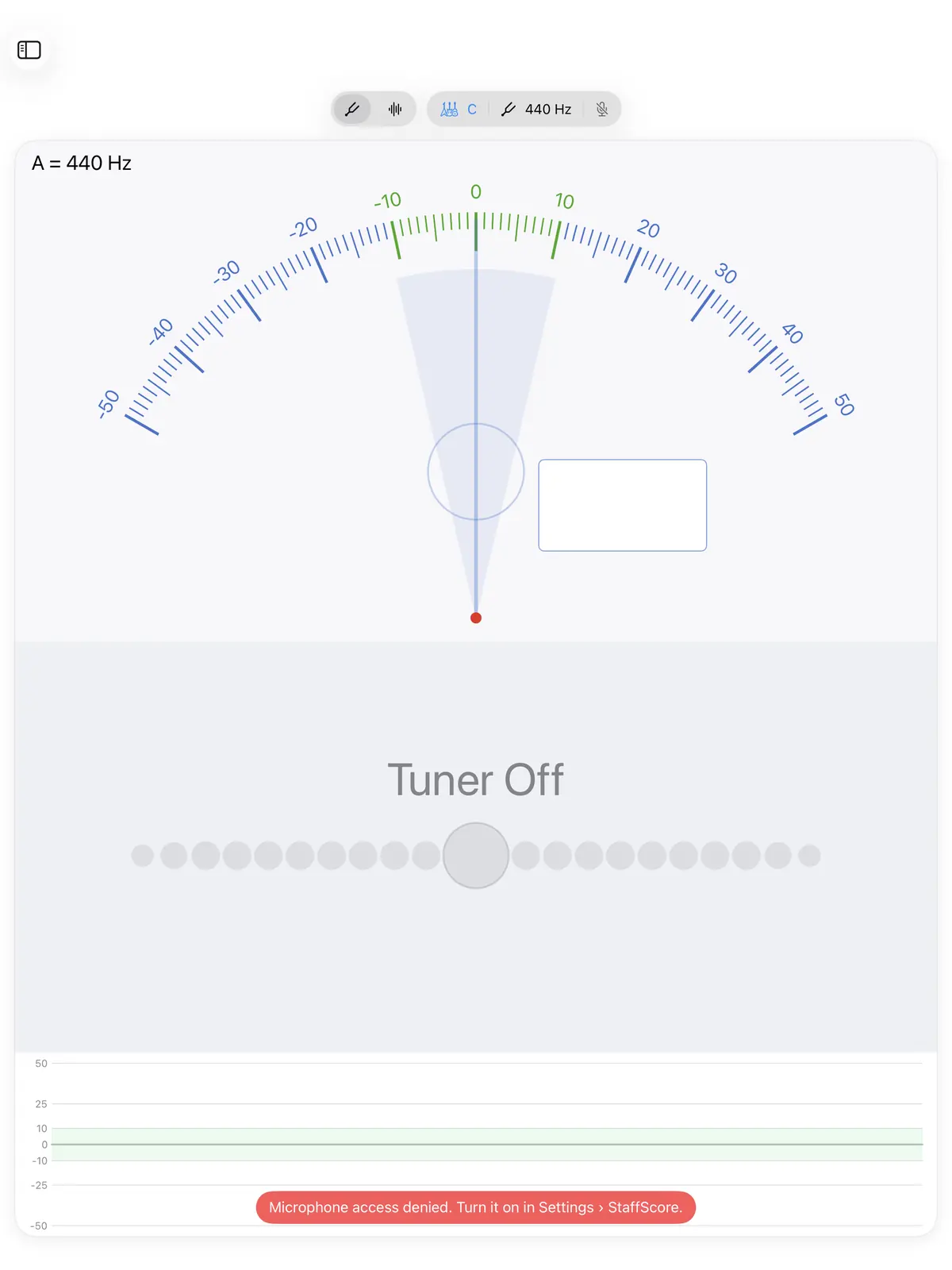
A dial from −50 to +50 cents, notes turn green within ±5 cents, A = 415–466 Hz, and support for transposing instruments.
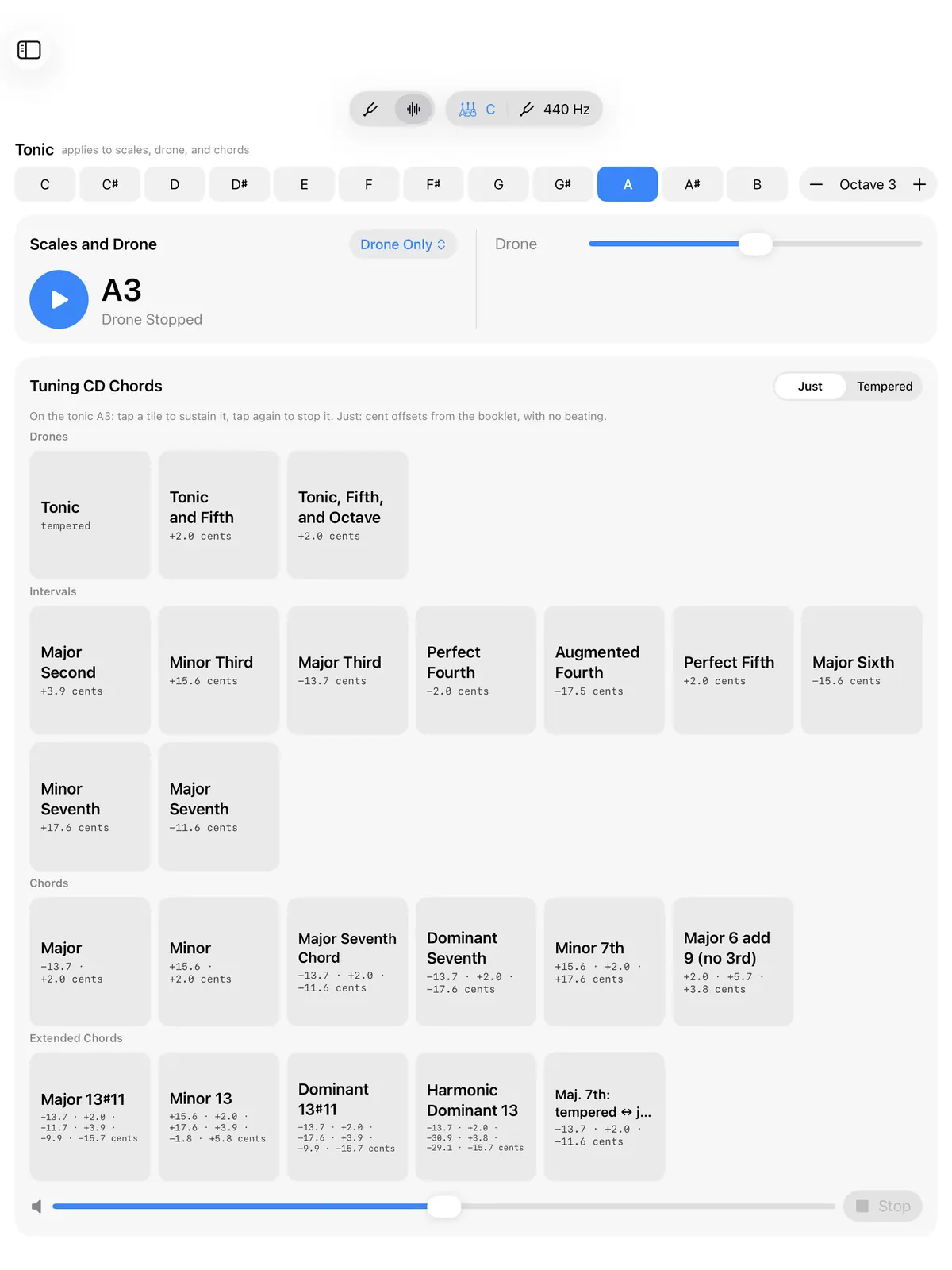
An organ drone on the tonic, scales at the tempo you choose, and just-intonation chords for intonation work.
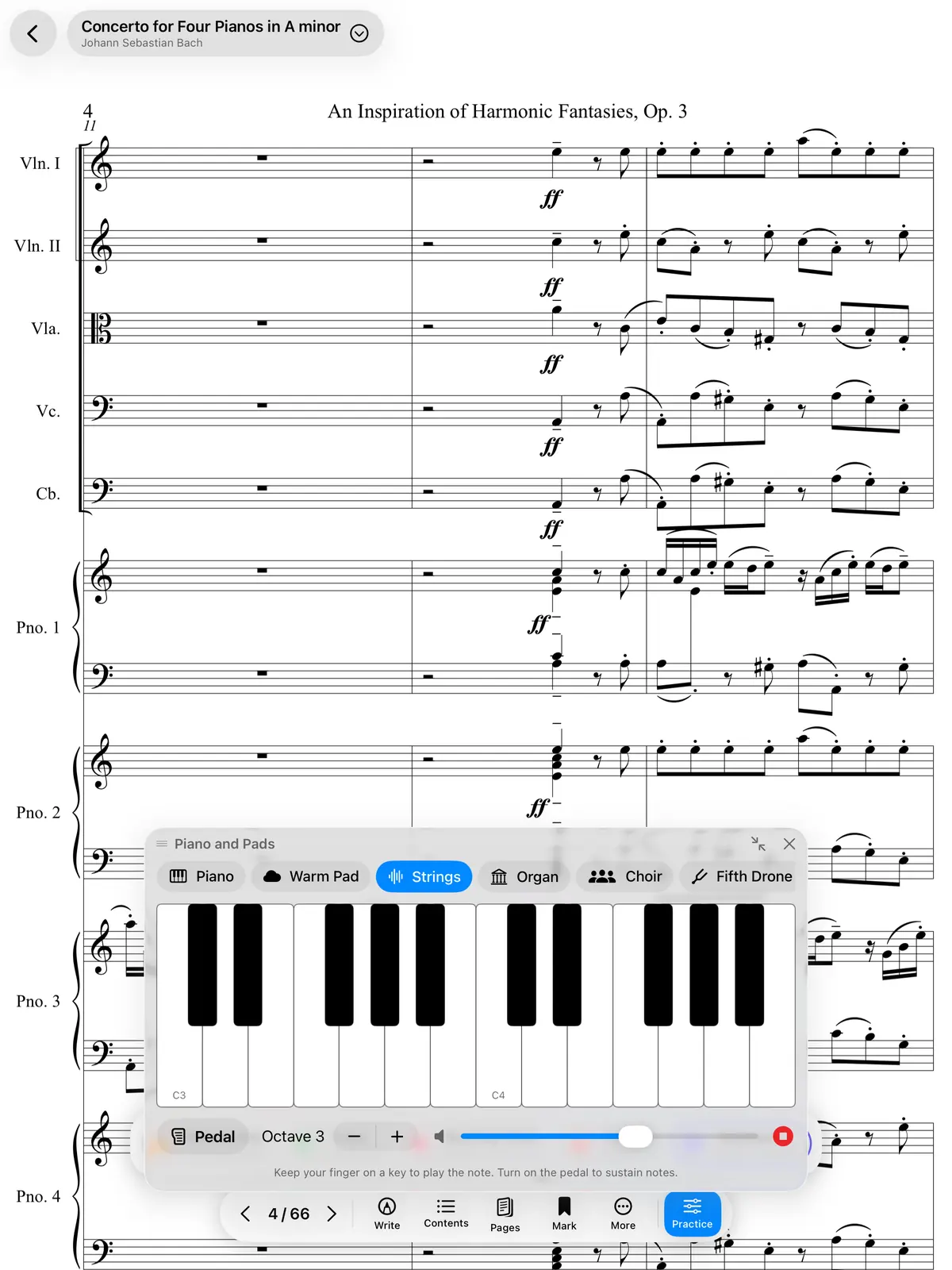
Piano, strings, organ and choir on a multi-touch keyboard above the page.
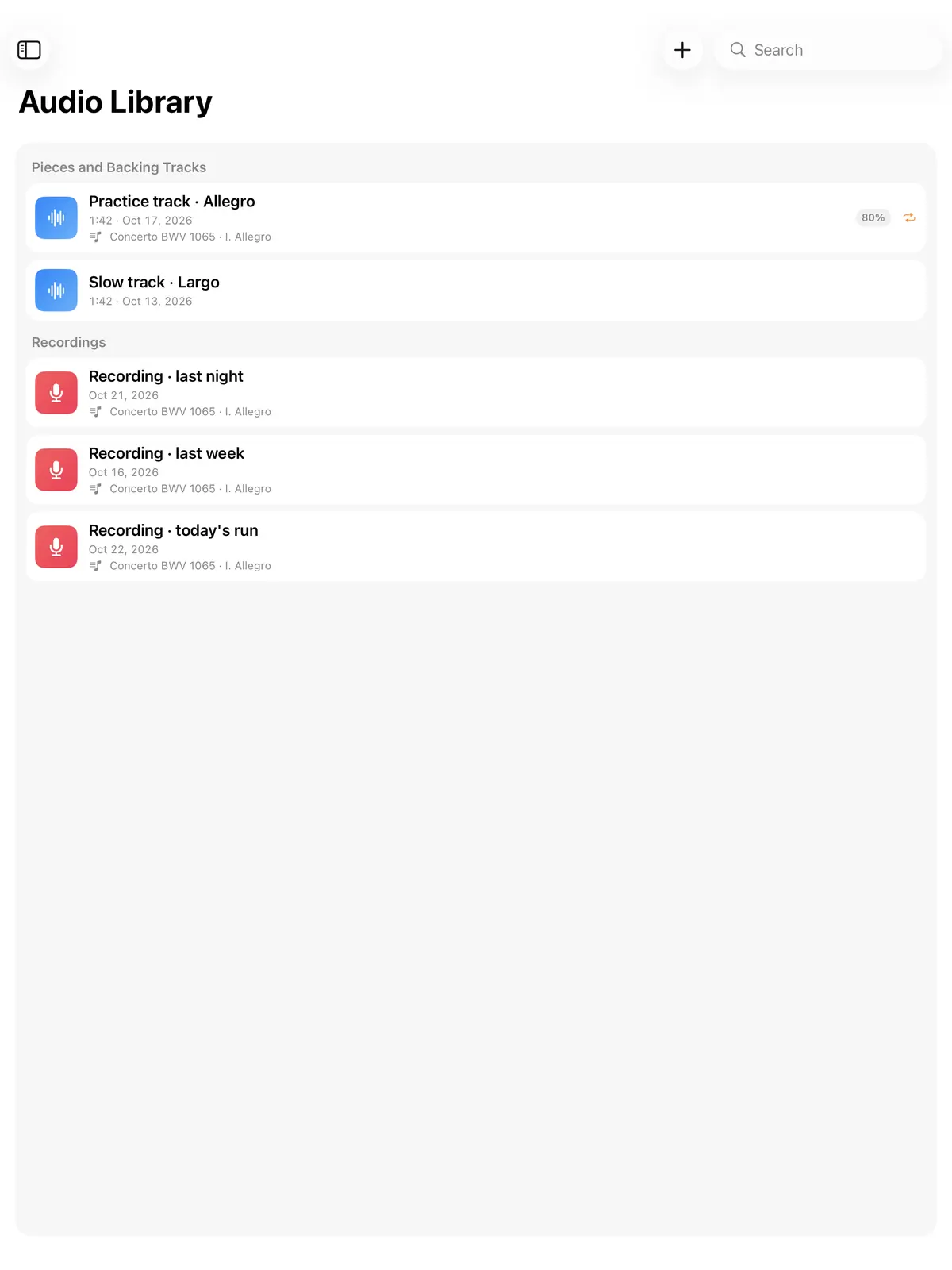
Backing tracks and recordings: change the speed without changing the pitch, transpose ±12 semitones, loop from A to B.
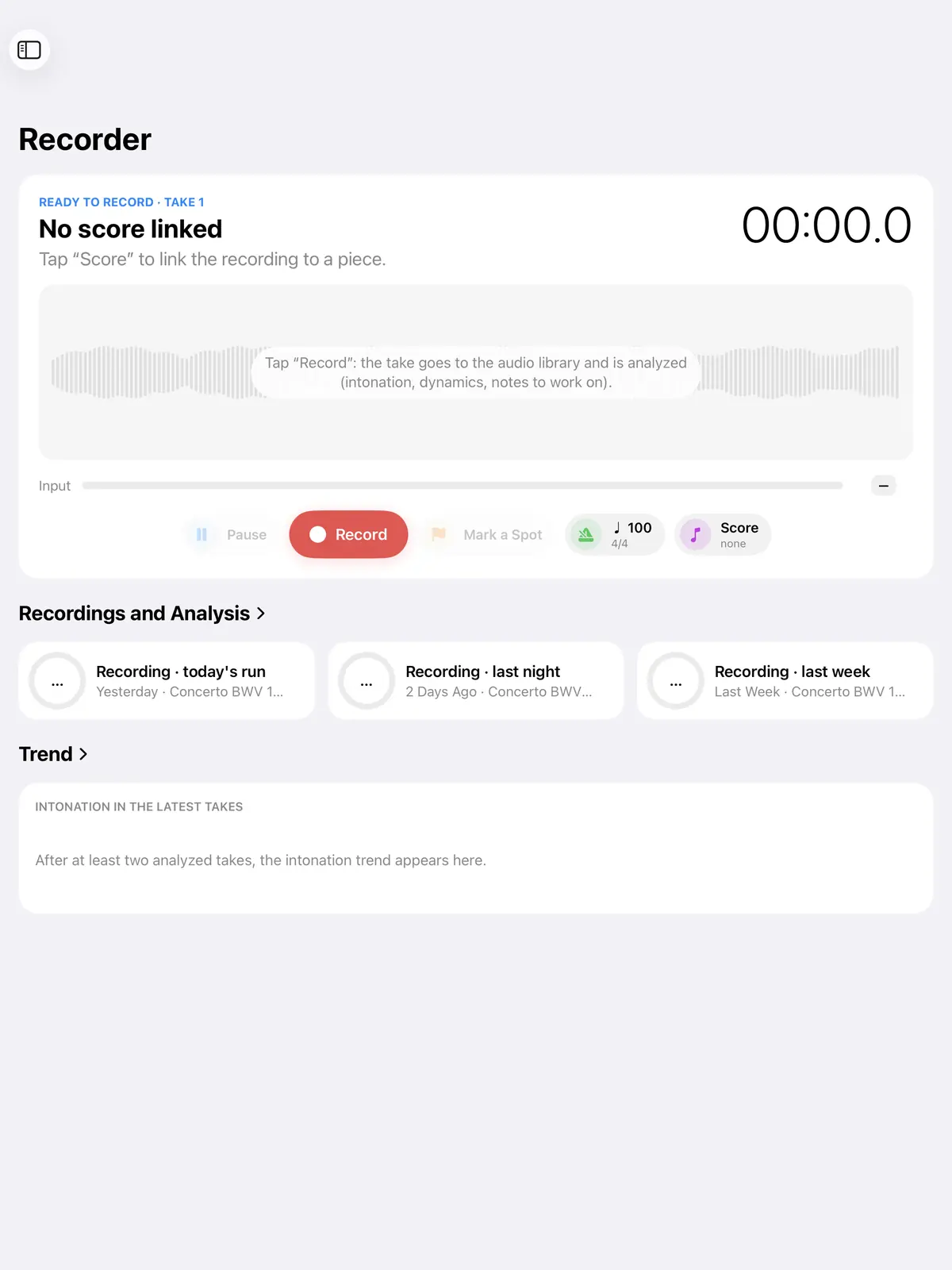
Live waveform and note-by-note intonation analysis.
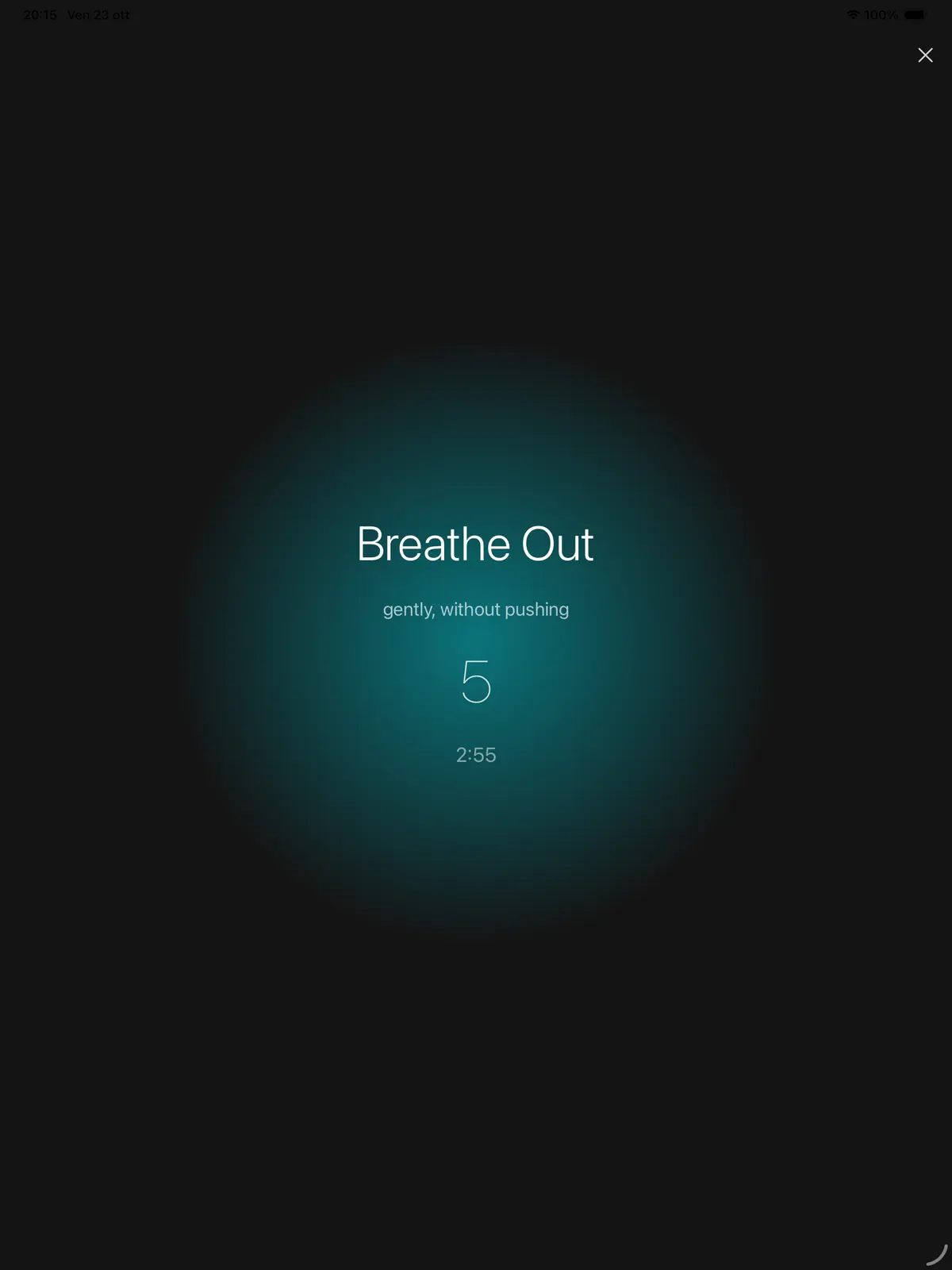
Six guided breathing exercises to use before you go on stage.
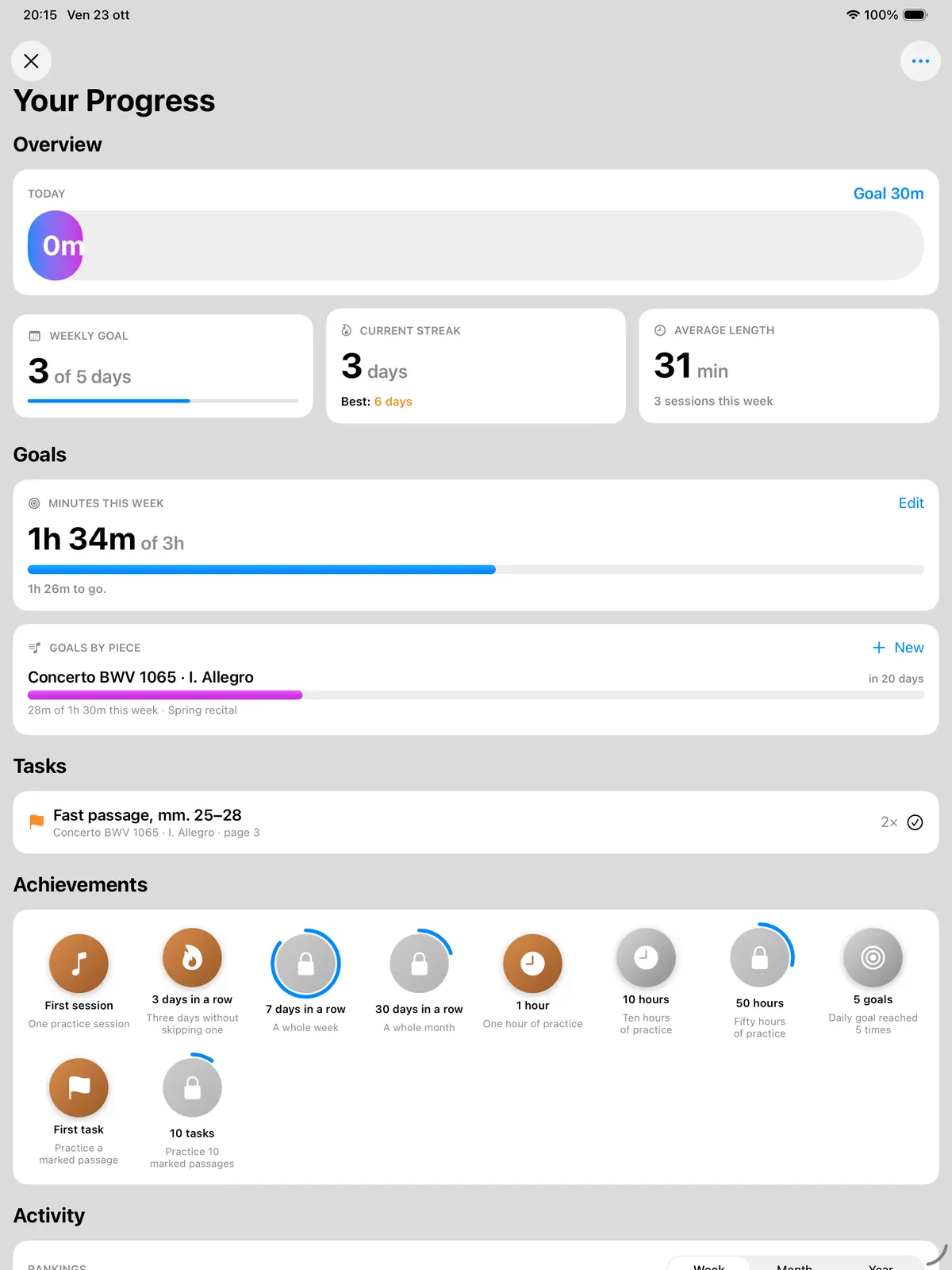
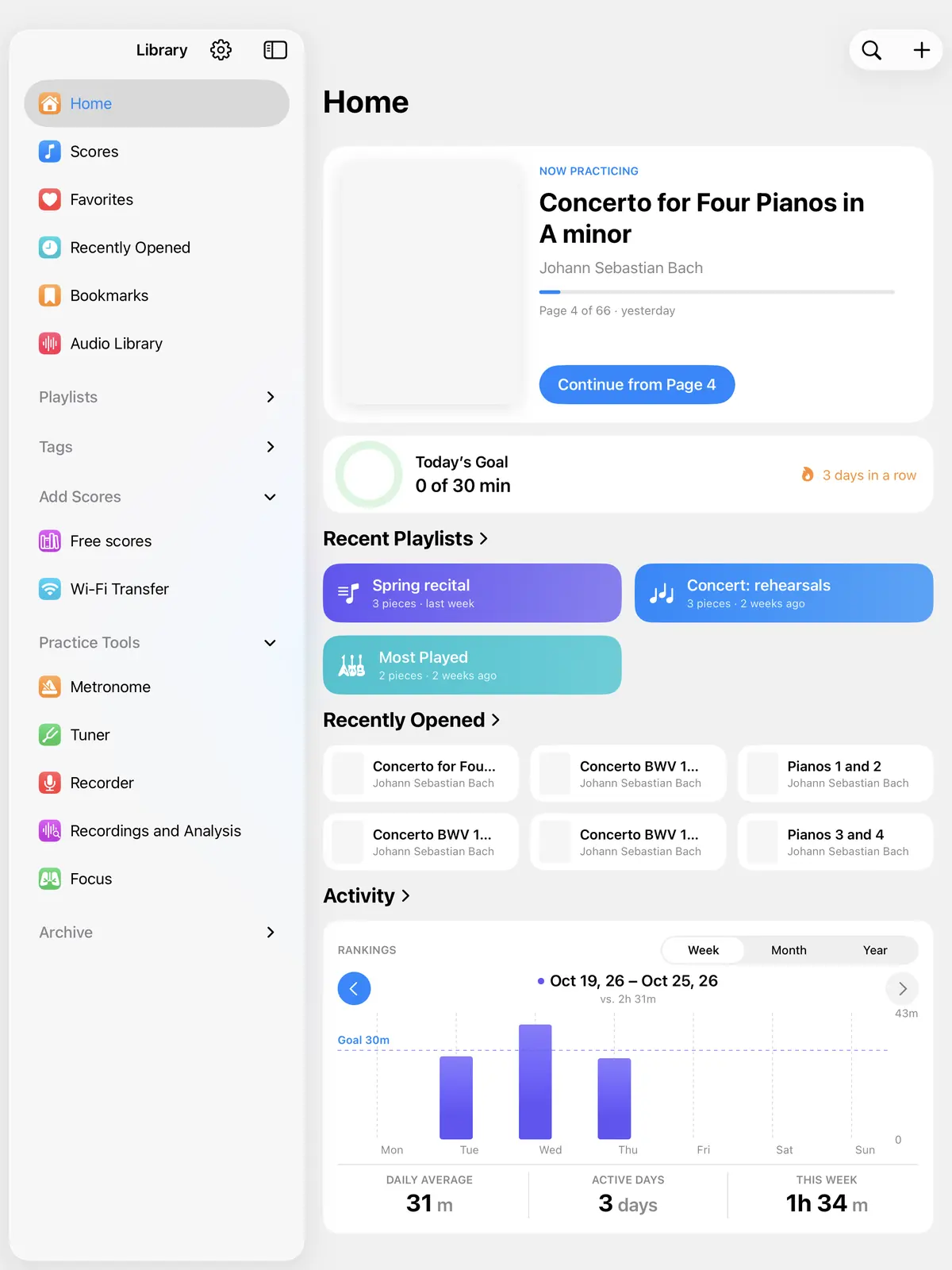
Minutes practiced, practice streaks, weekly and per-piece goals, and milestones.
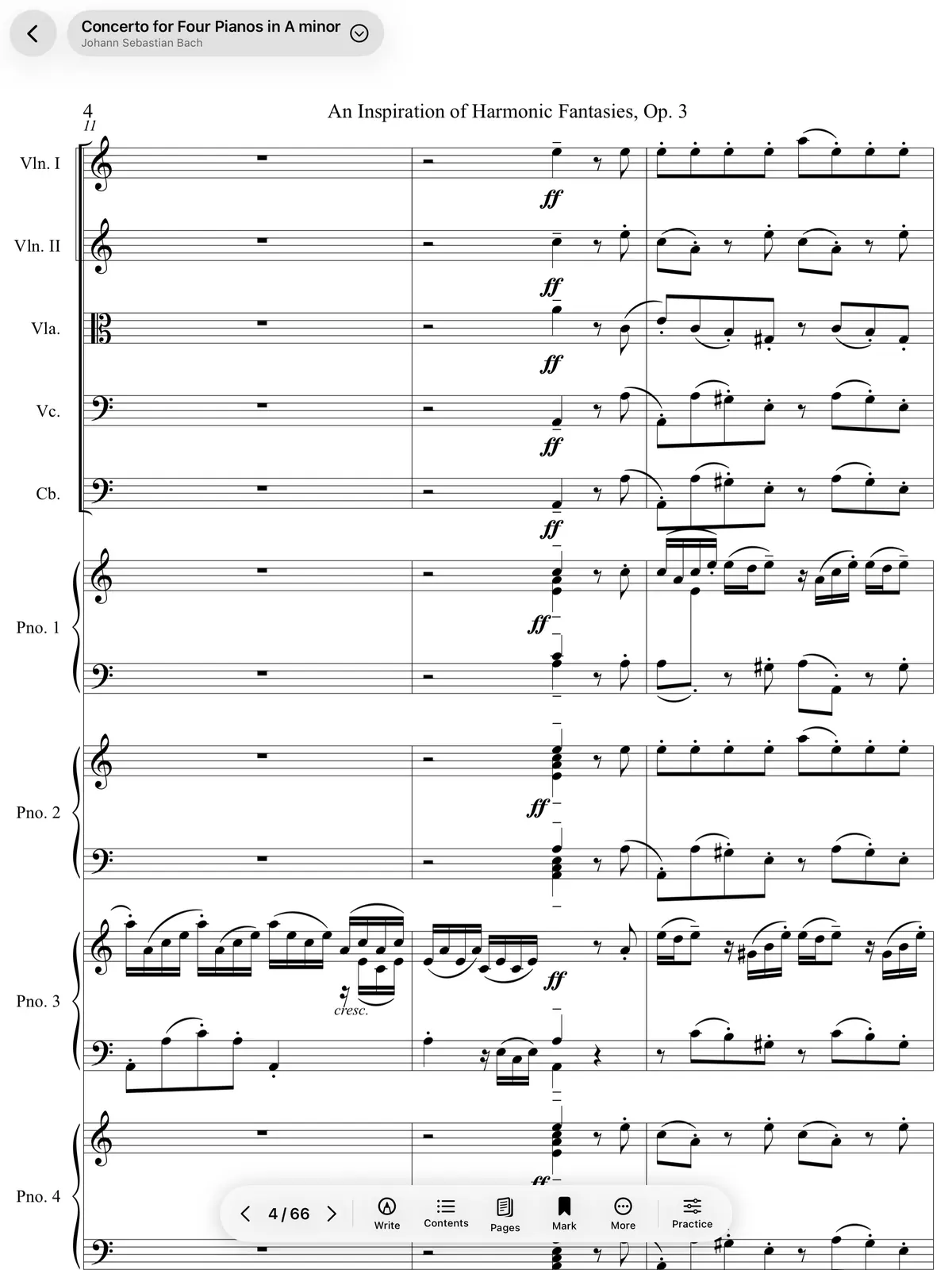
Piano, string quartet, guitar tab and other templates, all with Bravura clefs.
Record a passage and look at the analysis: the percentage of time within ±10 cents, how it changes over the take, and the notes that need work. Compare two takes to see if you're improving.
Time spent in tune in a sample recording
Sample values. Green within ±10 cents, yellow up to ±25.
Setlists with the right pages and hands-free page turns.
At the end of a piece, one tap takes you to the next one, already loaded. Set a page range for each piece and send the setlist with all its files.
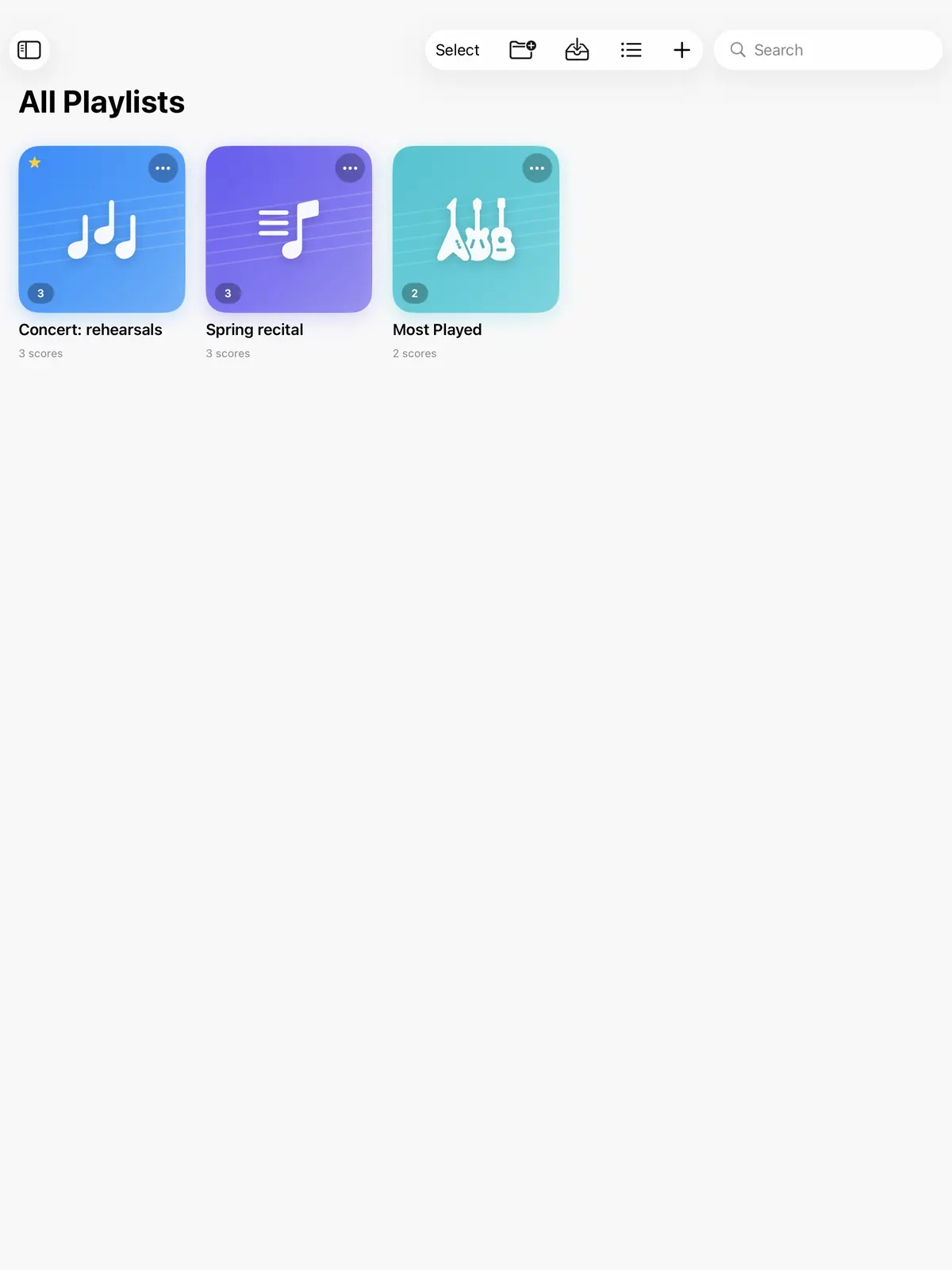
When your hands are on your instrument, there are other ways to turn the page.
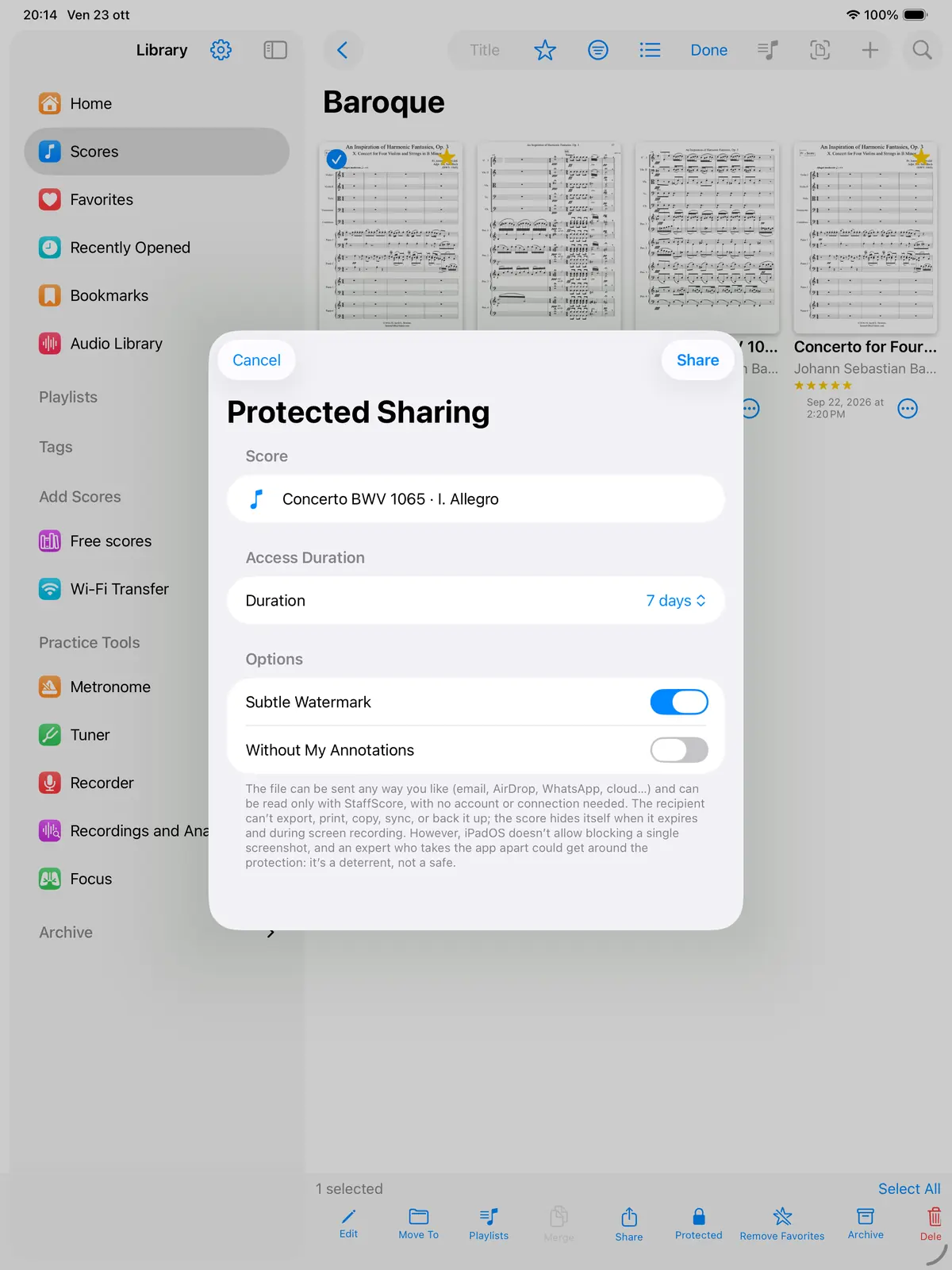
Protected sharing creates a file that only opens in StaffScore. Send it by AirDrop, email or WhatsApp; it can be read with no account, no server and no internet connection.
It keeps the file out of PDF readers and guards against tampering. It can't stop someone who reverse-engineers the app to extract the key, and a single screenshot can't be blocked, but the app detects and flags it.
38 short videos, one for each feature, with the instructions written on screen.
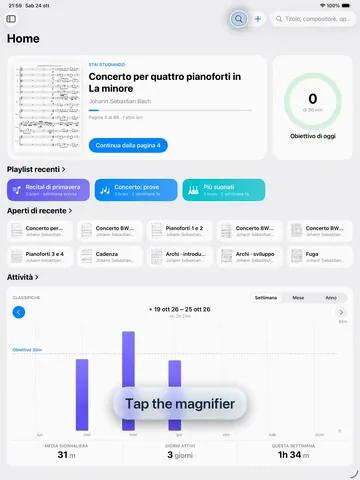 0:4301
How to search for a score
0:4301
How to search for a score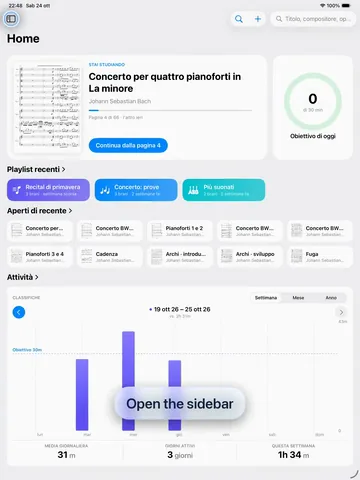 0:3802
How to open a folder
0:3802
How to open a folder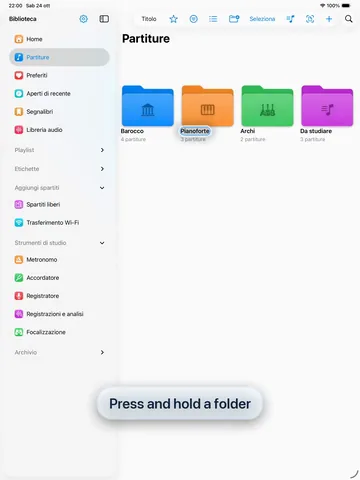 0:4703
How to customize a folder
0:4703
How to customize a folder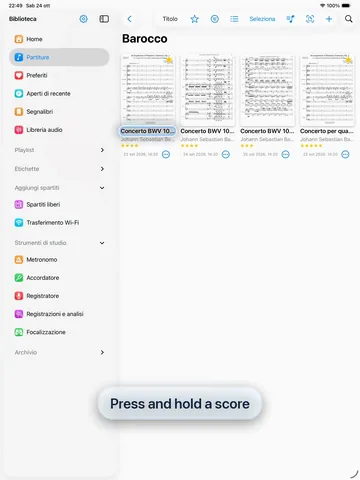 0:3704
How to see a score's details
0:3704
How to see a score's details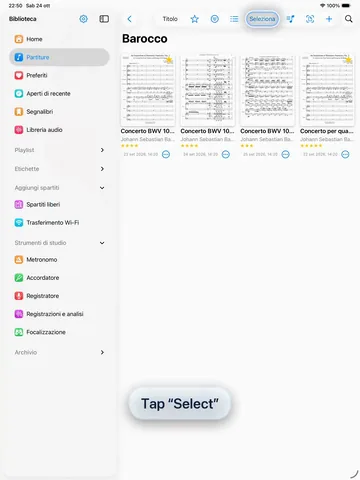 0:3305
How to select several scores
0:3305
How to select several scores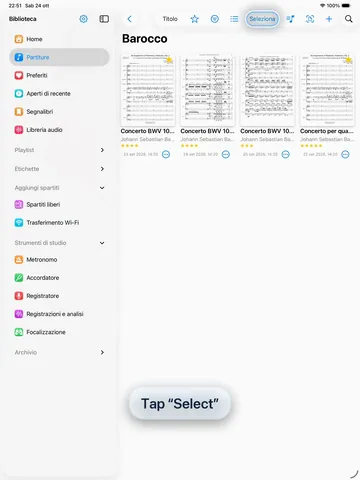 0:4306
How to merge scores
0:4306
How to merge scores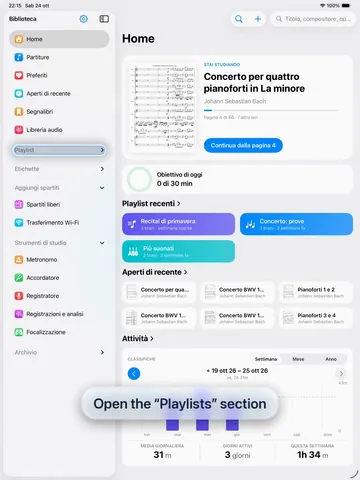 1:0907
How to use playlists
1:0907
How to use playlists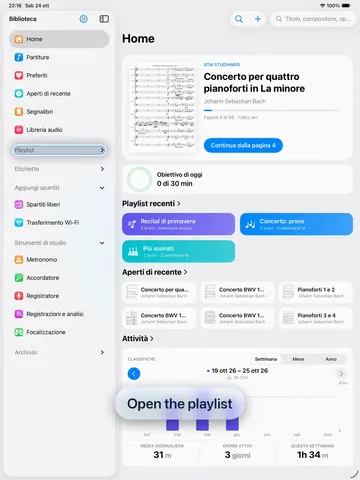 0:4838
How to move to the next piece in a playlist
0:4838
How to move to the next piece in a playlist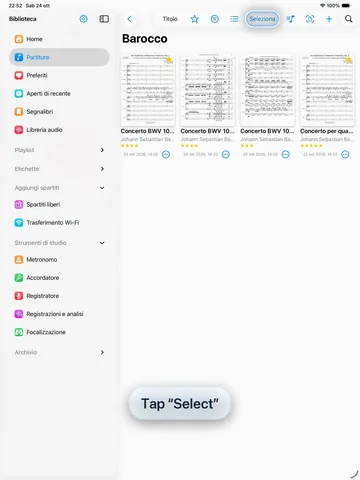 0:3208
How to share a protected score
0:3208
How to share a protected score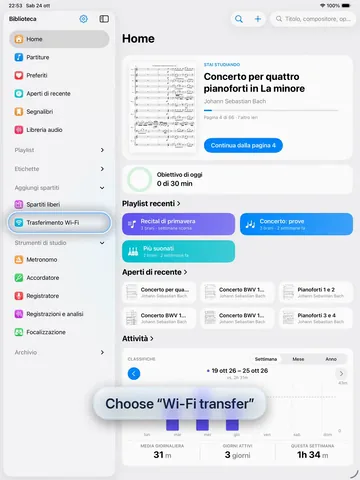 0:4909
How to transfer files over Wi-Fi
0:4909
How to transfer files over Wi-Fi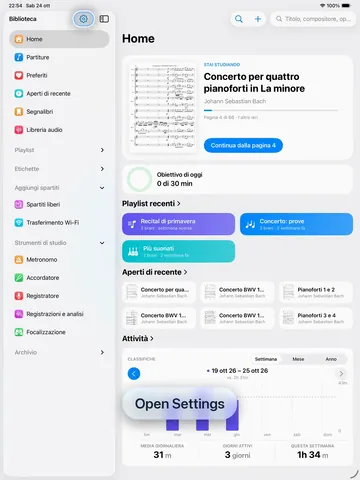 0:3110
How to open Sync
0:3110
How to open Sync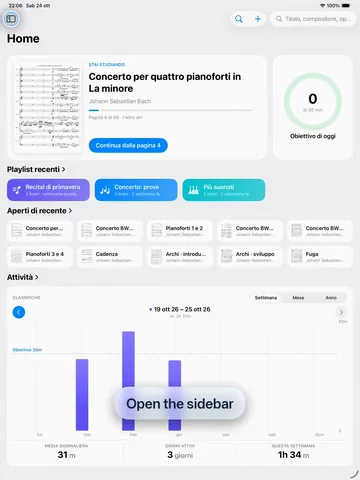 1:0333
How to find free scores
1:0333
How to find free scores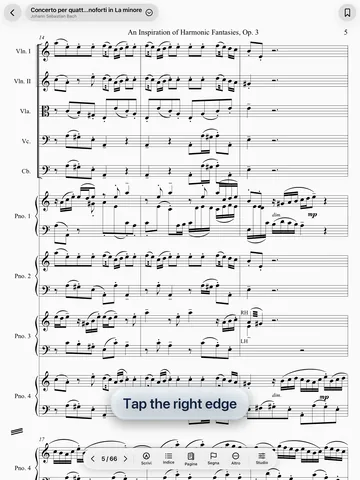 0:3111
How to turn the page
0:3111
How to turn the page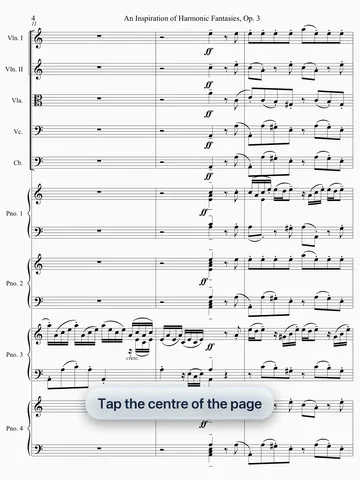 0:3112
How to show and hide the bars
0:3112
How to show and hide the bars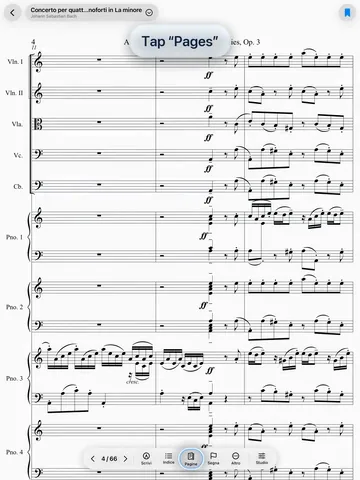 0:3213
How to read in half-page mode
0:3213
How to read in half-page mode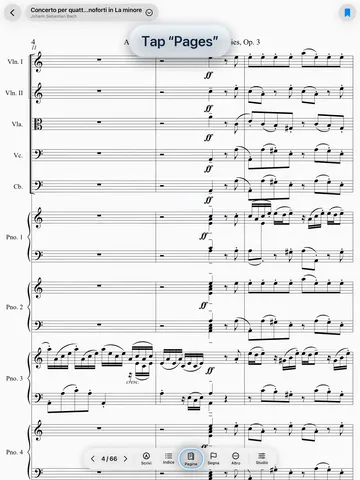 0:3914
How to use night mode
0:3914
How to use night mode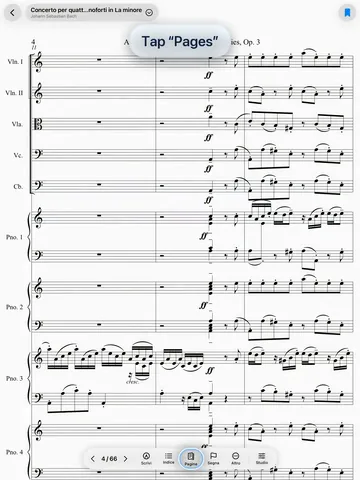 0:4031
How to fit the page to the screen
0:4031
How to fit the page to the screen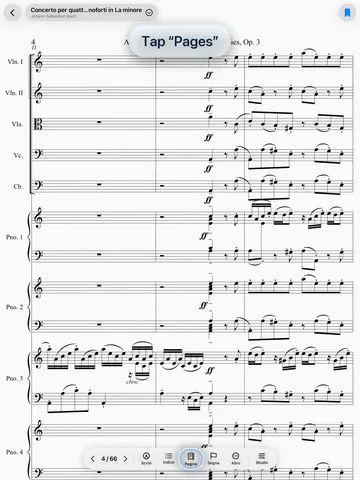 0:5332
How to crop the margins
0:5332
How to crop the margins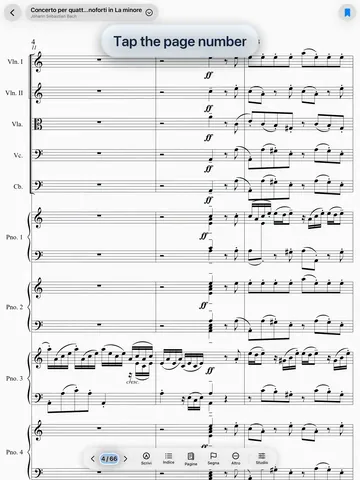 0:3018
How to jump to a page
0:3018
How to jump to a page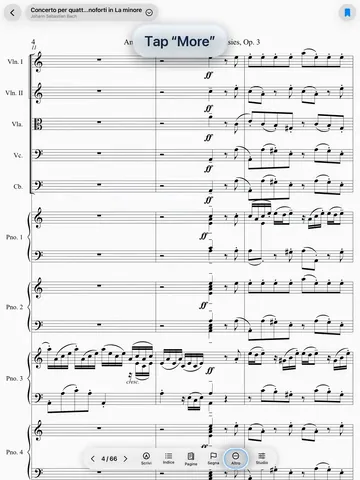 0:3219
How to use quick jumps
0:3219
How to use quick jumps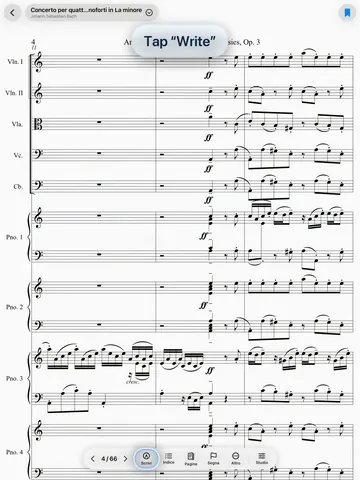 1:1115
How to write on the score: pen, shapes, symbols, text and notes
1:1115
How to write on the score: pen, shapes, symbols, text and notes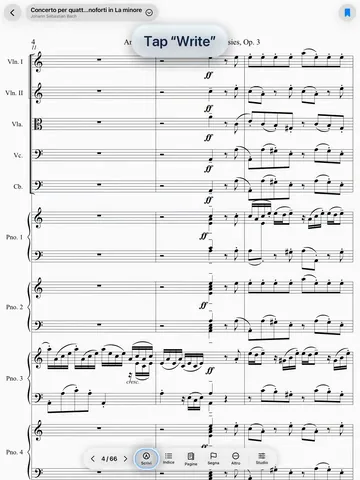 1:0134
How to use gestures: hairpins, slurs and lines
1:0134
How to use gestures: hairpins, slurs and lines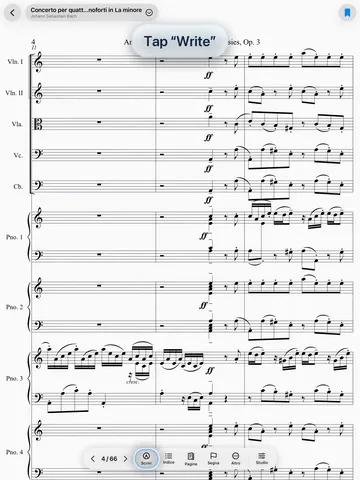 1:0435
How to insert music symbols
1:0435
How to insert music symbols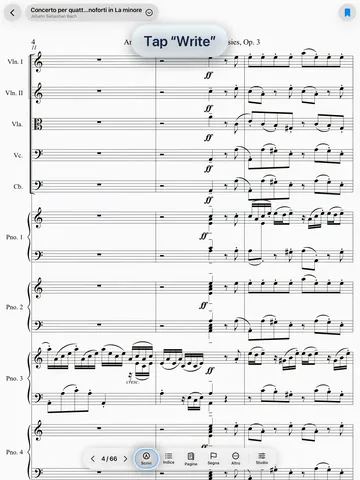 0:3936
How to erase notes with the eraser
0:3936
How to erase notes with the eraser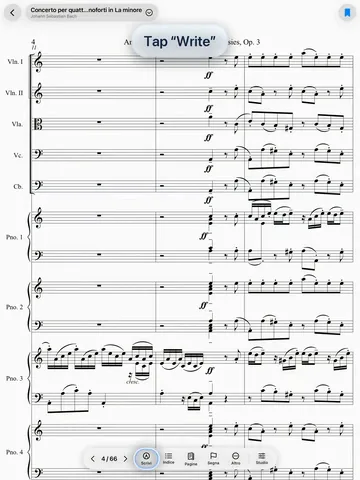 0:3716
How to select and delete a mark
0:3716
How to select and delete a mark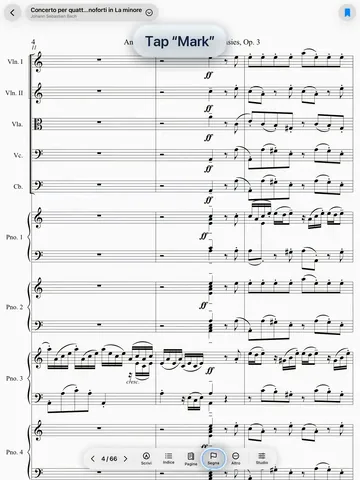 0:3337
How to mark up the score
0:3337
How to mark up the score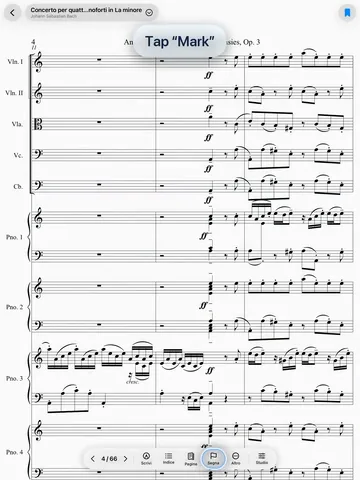 0:4017
How to add a button to the page
0:4017
How to add a button to the page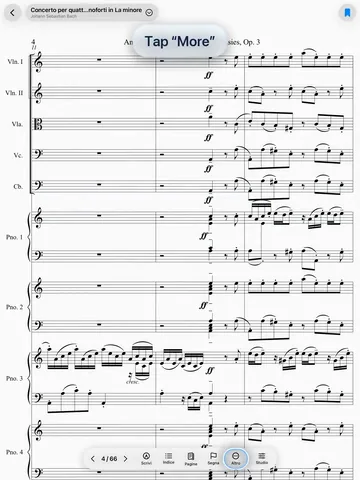 0:3220
How to see your practice tasks
0:3220
How to see your practice tasks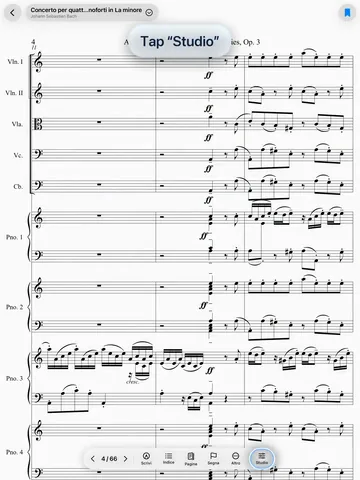 0:4121
How to use the piano
0:4121
How to use the piano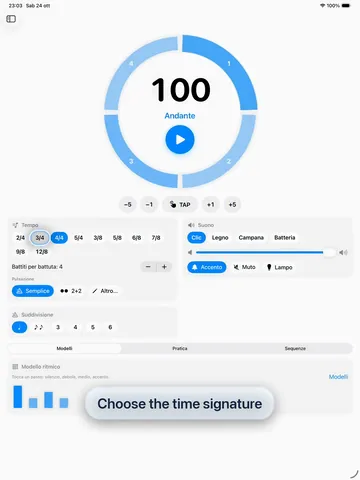 0:4022
How to use the metronome
0:4022
How to use the metronome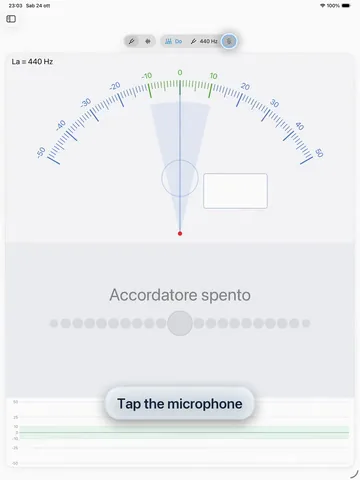 0:3323
How to tune your instrument
0:3323
How to tune your instrument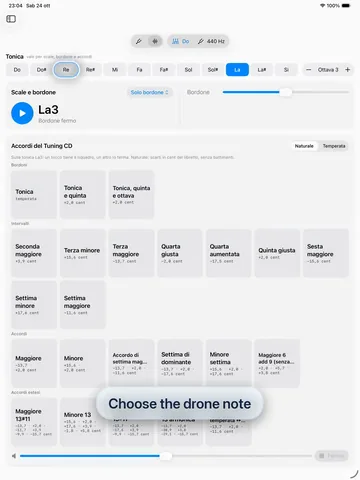 0:4924
How to use drone and scales
0:4924
How to use drone and scales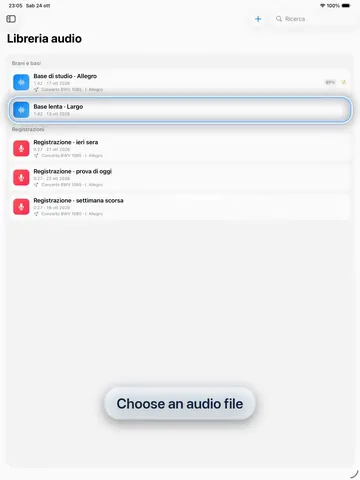 0:4225
How to slow down and loop audio
0:4225
How to slow down and loop audio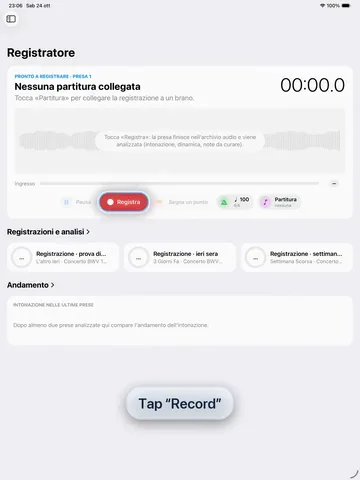 0:3426
How to record and analyze yourself
0:3426
How to record and analyze yourself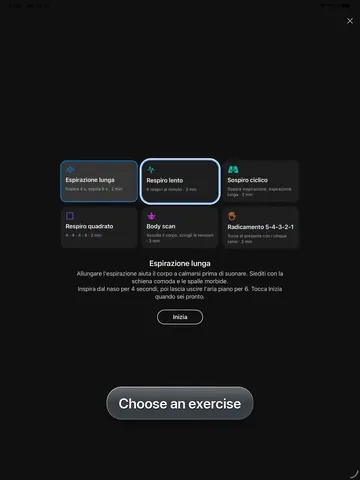 0:3127
How to do a breathing exercise
0:3127
How to do a breathing exercise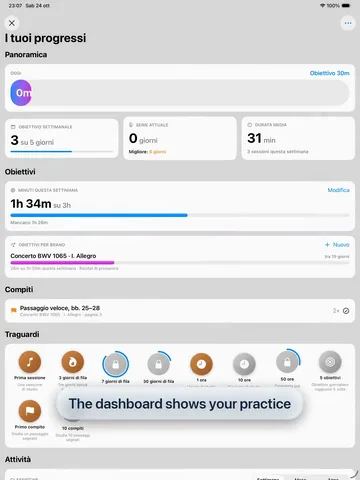 0:3828
How to follow your goals
0:3828
How to follow your goals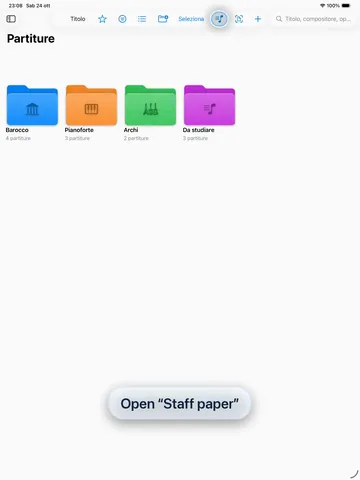 0:3929
How to create staff paper
0:3929
How to create staff paper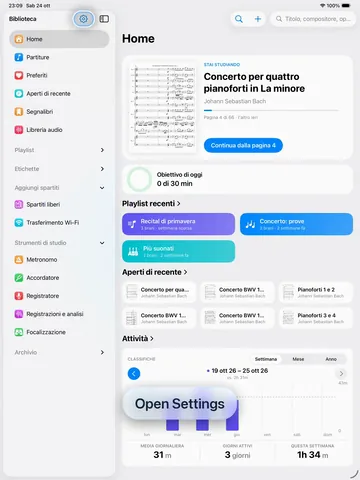 0:3130
How to set up hands-free controls
0:3130
How to set up hands-free controlsThe on-screen instructions follow the page language.
The same library on iPad and Mac, synced through a cloud folder of your choice.
Read, write with Apple Pencil and turn pages with pedals or gestures.
Prepare your library, setlists and annotations at your desk.
€9.99 once, on sale at €7.99 for the first six months. No subscription and no account: one purchase for iPad and Mac, once the Mac version is ready. Your files stay on your devices and in your cloud folder.
Thirty-eight features explained one by one, with screenshots and step-by-step instructions, in the user manual and in the videos.
StaffScore is in development and not yet available on the App Store. Some features may change before release.
Screenshots were taken on an iPad with test data; the sample score is in the public domain (Vivaldi, arranged by J. S. Bach, BWV 1065). Music symbols: Bravura font (SIL Open Font License). Instrument icons: IconOven (MIT License). The 93% figure and the per-note bars are for illustration only.
iPad, Mac, Apple Pencil, iCloud and AirDrop are trademarks of Apple Inc. OneDrive is a trademark of Microsoft; Google Drive is a trademark of Google LLC; kDrive is a trademark of Infomaniak. WhatsApp is a trademark of Meta.